Anyone who has used AI to polish a report knows the routine: copy a paragraph into a chat window, wait for a rewrite, paste it back into the document, then fix the formatting.
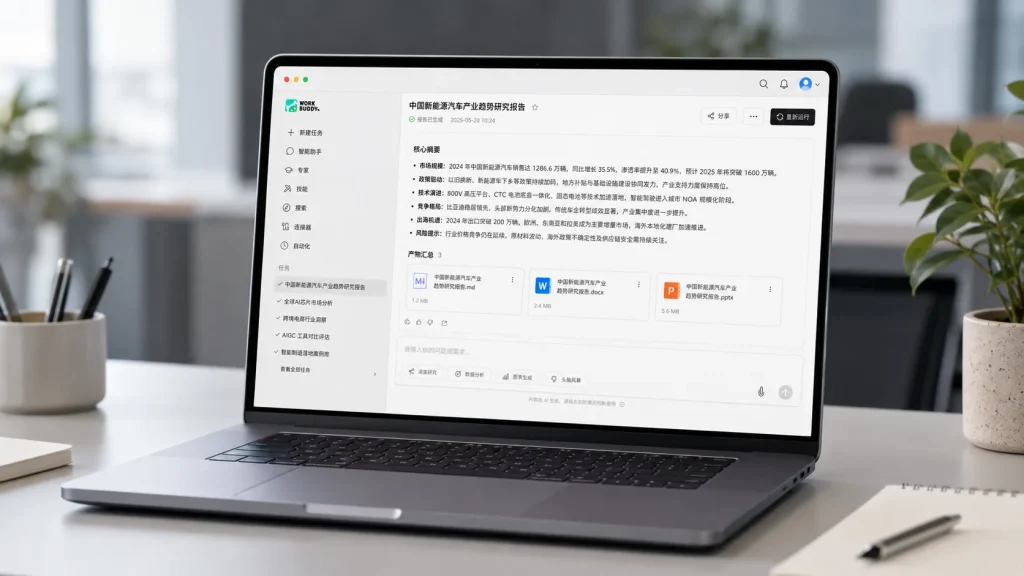
Tencent’s WorkBuddy is trying to cut out that back-and-forth.
The platform has introduced a “human-AI co-writing” feature that lets users work with AI inside the original file. A person can select a paragraph, a table or part of a presentation, then ask WorkBuddy to rewrite, expand, summarize or reorganize it without leaving the document.
The feature works with Word files, Excel spreadsheets, PowerPoint presentations, Markdown files and Tencent Docs.
In practice, that could mean selecting a stiff opening paragraph and asking for a clearer version, highlighting a spreadsheet and requesting a quick summary, or choosing part of a slide deck and asking for help with structure and layout. The suggested changes appear in the same workspace, where users can review, revise or undo them.
The idea is not to hand the whole document over to a machine. It is closer to sharing the same desk. A person can make small edits, fix wording and adjust formatting, while WorkBuddy handles larger rewrites, repetitive cleanup or more time-consuming tasks.
That setup may be especially useful for office workers who already use AI but are tired of switching between apps. Keeping the work inside the original file also reduces the risk of losing context or breaking the layout during copy-and-paste.
Human review still matters. AI tools can misunderstand the meaning of a passage, miss important context or produce inaccurate information. Figures, factual claims and anything meant for clients or the public should still be checked before the file is sent out.
The bigger shift is straightforward: AI is moving from a separate chat box into the document itself. For most users, the real benefit is not replacing the person doing the work. It is saving a few steps, preserving the format and making everyday editing less tedious.