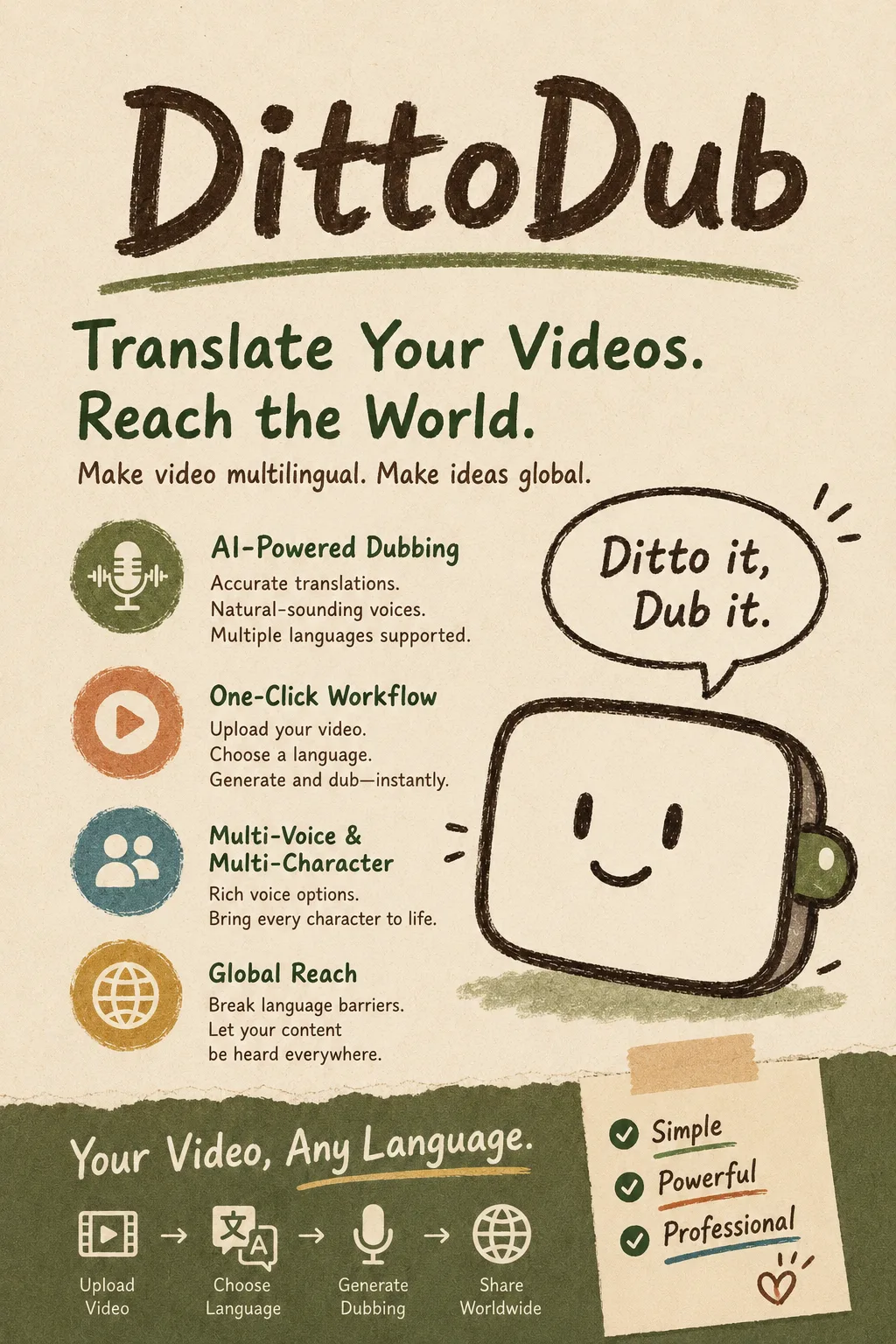
I ran a full 30-minute interview through DittoDub from start to finish.
Easy to get started; the bigger adjustment is the workflow mindset
Uploading the video, choosing a language, and starting the generation process is very straightforward.
At first, it’s easy to treat DittoDub like a normal dubbing tool and focus mainly on whether the voice sounds close to the original speaker.
But after using it end to end, it becomes clear that the platform is much more focused on how the entire piece gets published.
Are the subtitles correct? How should the title be translated? Does the thumbnail text need to change? How should the finished audio tracks be synced back to YouTube?
All of that sits inside the same workflow.
If you already create international versions manually, this kind of integration cuts down a lot of tool switching.
The biggest time saver isn’t the dubbing itself
AI dubbing is no longer particularly unusual.
What actually saved me the most time in DittoDub was the combination of subtitles, metadata, thumbnails, and YouTube publishing.
Previously, producing a multilingual video could mean handling translation, subtitles, and audio tracks separately, then rewriting the title and thumbnail, and finally opening YouTube Studio to upload everything one item at a time.
DittoDub pulls much of that into one place.
So its advantage feels more like workflow efficiency than one exceptionally impressive generation result.
A few practical issues
First, the pricing is tough for light users.
At $48 per month, you only get 30 minutes of dubbing.
If your channel typically publishes long videos, or if you want to localize each video into several languages, those minutes disappear quickly.
For an individual creator who hasn’t yet validated international demand, that may be an early investment.
Second, YouTube Sync is not completely hands-off.
It can reduce the amount of manual uploading significantly, but the content still needs to be reviewed before publishing.
Translations, subtitles, titles, and thumbnails—especially anything tied to brand voice—should not be left entirely to automation.
Third, it is clearly YouTube-focused.
If most of your content is also distributed across TikTok, Instagram, your own website, or other platforms, DittoDub’s workflow advantage becomes less significant.
Its strongest use case is still expanding an existing YouTube video into multiple languages.
Pros and cons
Pros
- Covers the workflow from translation to publishing. It handles more than audio, including subtitles, metadata, and thumbnails.
- Strong YouTube workflow integration. Multilingual versions don’t need to become separate projects every time.
- Supports human review. AI-generated output can still be edited, which matters for teams that care about brand voice.
- Keeps data on the main channel. Multilingual audio can stay attached to the original video, so views and comments remain consolidated.
- No revenue share. The creator keeps ownership of the channel and content revenue.
Cons
- Not cheap. Long videos and multi-language projects can burn through the included minutes quickly.
- Poor value for light users. If you only translate one or two videos occasionally, the workflow advantage is harder to justify.
- Still requires human review. “Sync” does not mean “publish without checking.”
- Narrower platform focus. Its biggest strengths are concentrated around YouTube rather than general multi-platform localization.
Best for / Not ideal for
Best for:
- YouTube creators serious about international expansion. Especially channels that already have consistent content and an audience, and want to grow into additional language markets.
- High-frequency channels and MCNs. The more video volume you have, the more valuable the automated publishing workflow becomes.
- Teams that care about brand voice. Good for teams that want to control translation and publishing rather than outsourcing the entire process.
- Channels that have already validated overseas demand. A clear growth goal makes it easier to judge whether the investment is worthwhile.
Not ideal for:
- Individual creators just starting to test international markets. The monthly fee and per-minute economics may be too high before demand is proven.
- Low-budget channels with mostly long-form videos. Per-minute pricing can increase costs very quickly.
- Brands focused on multi-platform distribution. DittoDub’s core workflow is clearly more YouTube-centric.
- People who only need a standalone dubbed audio file. If you don’t need subtitles, thumbnails, and publishing sync, simpler tools will usually be enough.











Comments (0)