I tested Linear Agent with a real scenario: I created an Issue called “Improve mobile startup speed” and assigned it directly to @Linear.
Ease of use: very low friction.
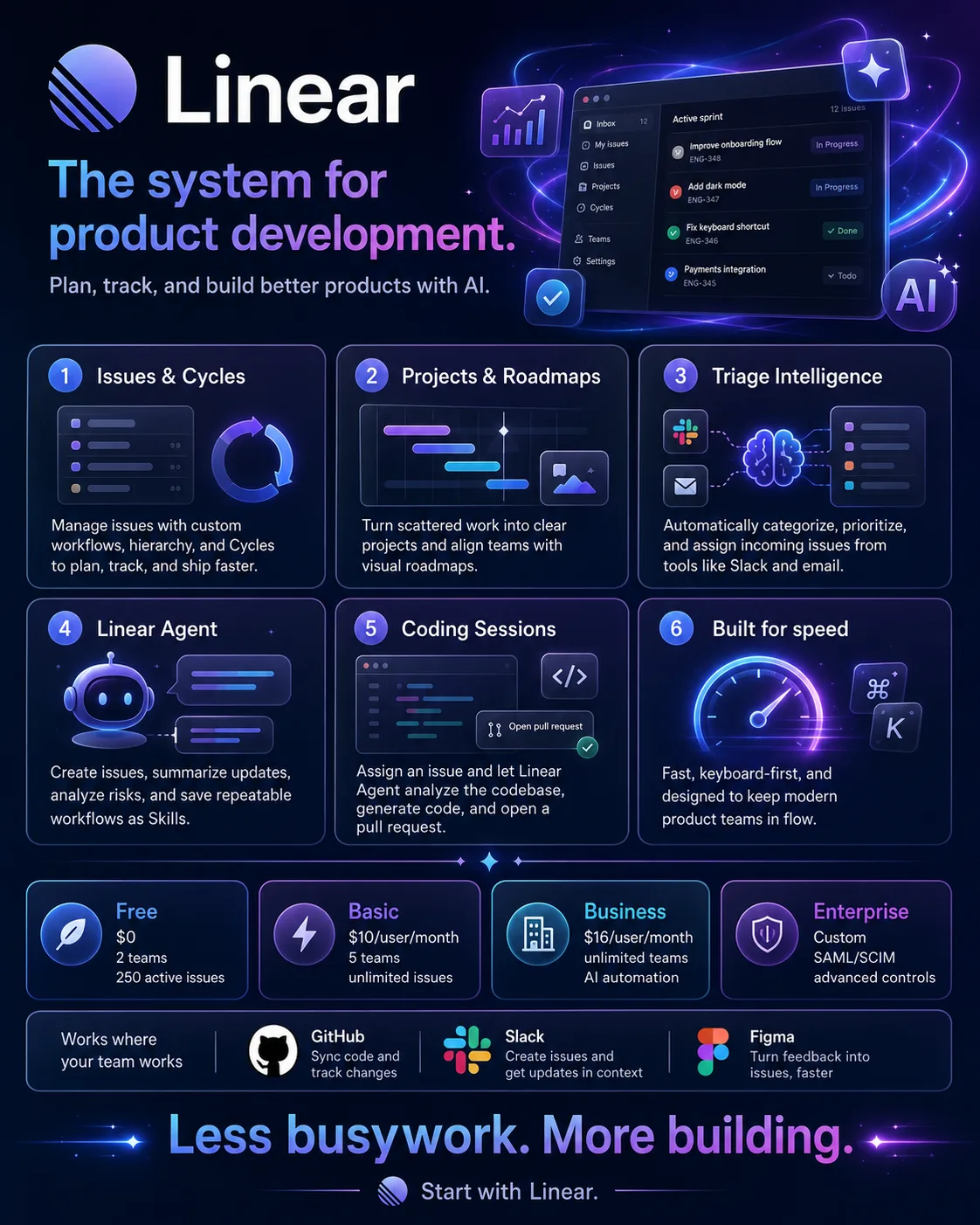
Linear’s interface is clean, and Cmd+K handles a large part of the workflow. Once you get used to the shortcuts, you can do a lot without touching the mouse.
Handing a task to AI also feels intuitive. It’s not that different from @mentioning a teammate in Slack.
What actually happened:
After enabling Coding Sessions on the Business plan, I assigned a fully described Issue to Linear.
The task quickly moved into what Linear calls the “Thinking” state and connected to the GitHub repository.
The Issue was about vehicle status loading too slowly during startup.
A few dozen seconds later, Linear returned a Diff, updating HomeScreen.tsx and changing logic that had been blocking rendering into an asynchronous flow.
The code change itself wasn’t especially complicated.
What mattered was that Linear could read the Issue, find the relevant file on its own, modify the code, and then generate a PR that was ready for review.
A workflow that used to involve jumping back and forth between a project management tool and the codebase was compressed into a single flow.
A few problems came up in practice:
First, Coding Sessions currently depends heavily on GitHub.
Teams using GitLab or self-hosted Git can’t yet use the full workflow.
Second, AI-generated code still needs human review.
In one case, it fixed a styling issue but introduced a new layout bug at the same time.
The good part is that you can comment directly on the PR and ask it to make another change. In practice, it feels more like working with a junior engineer than handing the task off completely.
Another thing to watch is AI Credits.
The way they’re consumed still isn’t especially transparent. During beta, the cost doesn’t feel very noticeable, but once usage is fully billed, teams will need to pay attention to actual consumption.
What works well
- It’s fast.
The UI, shortcuts, and task flows are all quick, which reduces the overhead of the project management tool itself.
- AI is deeply integrated into the workflow.
Triage, task handling, and coding all happen inside the existing process. You don’t need to open a separate chatbot.
- Keyboard support is mature.
Most common actions can be done with shortcuts, which makes Linear especially comfortable for developers.
What doesn’t work as well
- It’s less customizable than Jira.
If your team depends on lots of custom fields, complex workflows, or multi-stage approvals, Linear may not be flexible enough.
- Analytics and the ecosystem are still more limited.
Reporting is relatively basic, and complex analytics needs may not be fully covered. Some larger enterprise integrations also require higher-tier plans.
- You still can’t blindly trust the AI-generated code.
Coding Sessions can misunderstand requirements, or fix one issue while creating another. Code review is still necessary.
Best for
Small and mid-sized software or SaaS teams
Good for teams that want to reduce project management overhead without slowing development down with heavy process.
Developers who rely heavily on Mac and keyboard shortcuts
Linear’s interaction model fits this kind of user particularly well.
Teams experimenting with AI development workflows
Especially teams that want to hand off task triage, status updates, and some coding work to an Agent.
Not ideal for
Large enterprises with very complex approval and compliance processes
Especially organizations in areas like finance or healthcare, where permissions and workflow controls are highly demanding.
Teams made up mostly of non-technical functions
Linear is clearly designed around software development. Admin, operations, or marketing teams may not get as much value from its strengths.
Teams whose code isn’t hosted on GitHub
At the moment, AI coding features such as Coding Sessions still depend heavily on GitHub.











Comments (0)