For anyone just getting started with Stable Diffusion, I usually recommend browsing Civitai first.
The website is easy; understanding the models is the hard part
Civitai itself is straightforward to use.
Search for a keyword, open a model page, check the preview images, then choose the appropriate version and download it.
What confuses beginners isn’t the website. It’s the Stable Diffusion model ecosystem itself.
Is a model built for SD 1.5, SDXL, or another base model? Are you downloading a Checkpoint or a LoRA? Does it need a specific VAE? What sampler settings are recommended?
If you miss those details, it’s very easy to end up in a situation where you downloaded the model but have no idea how to use it properly.
So before downloading, it’s worth reading the model description and checking user examples instead of judging only by the cover image.
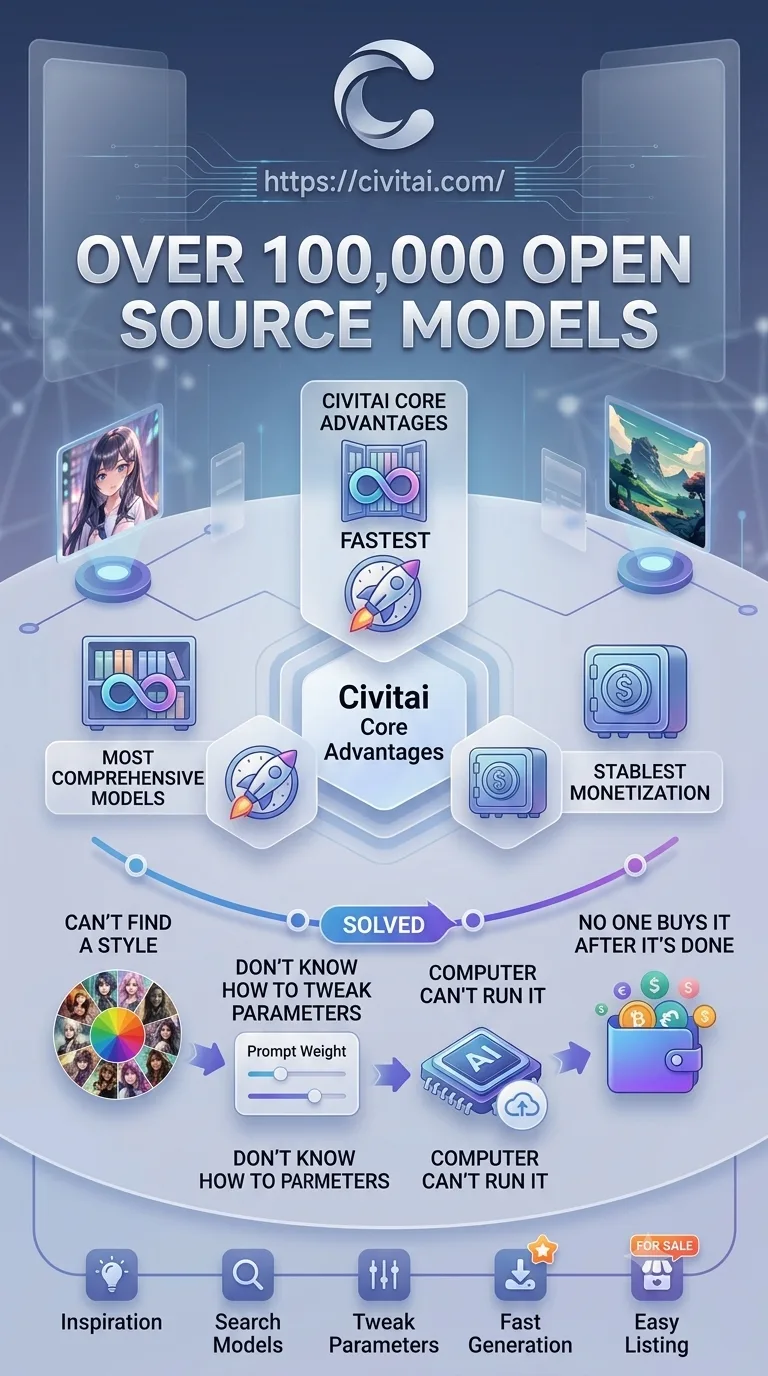
The biggest advantage is the sheer number of examples
The most useful part of Civitai isn’t really the search box. It’s the preview images and community examples.
You can’t tell much about a model from the creator’s description alone.
Most model pages have plenty of images generated by actual users, often with the corresponding prompt and generation settings attached.
Spend a few minutes looking through them and you can usually tell whether the model fits the style you want.
Photorealism, anime, illustration, photography, architecture, character design—there are models for almost every niche.
If you have no idea which model to download, these real-world examples are usually more useful than a ranking list.
Model quality varies a lot
The downside of an open community is that quality is inconsistent.
Some models are highly polished and actively maintained. Others are simply experimental training runs with mediocre results and minimal documentation.
Popular doesn’t always mean suitable for your use case, and newer doesn’t necessarily mean better.
In practice, the most useful signals are user examples, version history, and comments.
A few practical issues
First, always check model compatibility.
One of the most common mistakes is downloading the wrong version.
An SD 1.5 LoRA can’t simply be treated as an SDXL LoRA, and Checkpoints and LoRAs are loaded differently.
Checking the base model before downloading can save a lot of troubleshooting later.
Second, the content mix is very broad.
Civitai is an open community, and some areas include adult or sensitive content.
The platform provides filters and content preferences, but if you’re using it in a public or professional environment, it’s worth adjusting those settings in advance.
Third, having too many models can become a problem of its own.
“Lots of resources” is a major advantage for experienced users, but for beginners it can become overwhelming.
A single keyword can return hundreds of models, and it’s easy to spend more time downloading than actually generating images.
Deciding what style you want first, then searching for models, is much more efficient.
Pros and cons
Pros
- A highly centralized model library. Most commonly used Stable Diffusion resources can be found in one place.
- A lot of content is free. There’s very little friction to browsing and downloading.
- Plenty of user examples. You can judge how a model actually performs instead of relying only on official showcases.
- Strong version information. Updates, base models, and compatibility details are usually easy to check.
- Active community. New models, workflows, and visual styles spread quickly.
Cons
- Easy for beginners to get overwhelmed. There are a lot of model types, versions, and parameters to understand.
- Quality is inconsistent. Community-uploaded does not mean every model is worth downloading.
- A lot of sensitive content. You’ll likely want to configure your content filters.
- Access from mainland China can be inconsistent. For some users, network conditions directly affect the experience.
Best for / Not ideal for
Best for:
- Stable Diffusion users. If you need Checkpoints, LoRAs, or workflows, Civitai is hard to avoid.
- Model trainers. Useful for publishing versions, gathering feedback, and watching what others are training.
- AI art enthusiasts. Great for discovering styles and studying prompts and generation settings.
- Visual creators. Community examples are especially useful when you want to compare different model styles quickly.
Not ideal for:
- People who just want to click once and get an image. If you have no interest in models or settings, a closed platform like Midjourney is usually easier.
- People who don’t want to manage local models. Checkpoints, LoRAs, VAEs, and compatibility all come with a learning curve.
- People who strongly dislike sensitive community content. Filters help, but the platform is still relatively open overall.











Comments (0)