I spent several days testing Jimeng’s website and its latest models, with most of my time going into Image 5.0 Lite and Seedance 2.5.
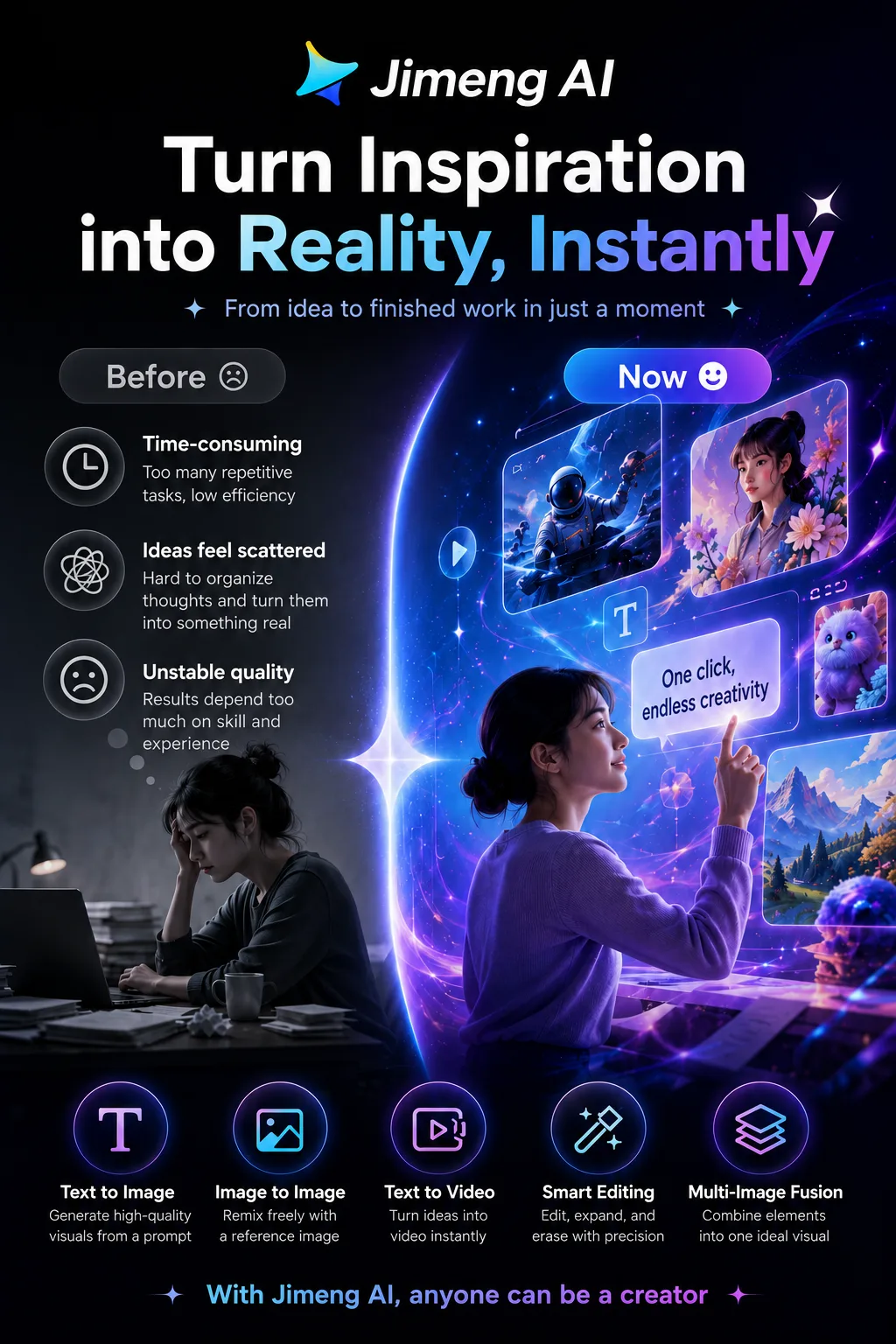
Ease of use: very low learning curve.
The interface mainly revolves around two things: image generation and video generation.
Choose a model, type what you want, and hit generate. There’s very little else you need to learn.
It’s also fairly approachable for people using an AI creative tool for the first time.
The biggest change in the image model is that it understands the task better.
For example, I tried:
“Search for the top three movies by box office during the 2026 Qixi season and turn them into a comparison poster.”
Instead of simply drawing what I described, it first tried to gather relevant information and then organize that into a visual.
Older versions felt more like “you tell it what to draw, and it draws it.”
Now it’s starting to feel more like “understand the task first, then help build the content.”
That said, anything involving live or current data still needs manual verification. You shouldn’t treat generated content as an authoritative source.
On the video side, native 30-second generation is genuinely useful.
One of my test prompts was:
“A woman sits by the window in a café, going from anxiously tapping on her keyboard to relaxing and smiling, while the light outside shifts from dusk to deep blue.”
Thirty seconds gives enough room for the mood and lighting to change gradually. That’s much more expressive than the short, ten-second-or-so clips that used to be the norm.
That’s probably the clearest improvement in Seedance 2.5: it can now handle a short but complete scene, rather than just producing a piece of moving footage.
A few practical issues
- Close-ups of hands still fail easily
Hands remain one of the riskiest areas in AI video, especially with complex movement, multiple people interacting, or tight close-ups. If you can avoid those shots, it’s usually safer.
- Free users may have to queue at peak times
Video generation is compute-heavy, so wait times can increase noticeably when the service is busy. Paid plans offer acceleration, but that doesn’t mean every generation is instant.
- More complicated prompts aren’t always better
Packing too many characters, actions, camera instructions, and emotions into one prompt can make the output less stable. Breaking the request into smaller pieces usually works better.
- Consistency drops as videos get longer
Performance is relatively stable within about 30 seconds, but after extending the clip, character details and scene continuity are more likely to drift.
What works well
- Natural Chinese understanding.
It handles local context, trends, and familiar visual styles particularly well.
- Images and video in one place.
You don’t have to keep jumping between different tools.
- 30-second video gives you more room to tell a story.
It can handle simple emotional changes and short narrative beats.
- The free allowance is genuinely useful.
Light users can get a lot of mileage out of it before deciding whether to pay.
- Easy handoff to CapCut/Jianying.
AI-generated material can move naturally into a more traditional editing workflow afterward.
What doesn’t work as well
- Character details are still inconsistent.
Hands, multi-person interaction, and complex motion remain weak spots.
- Longer video can lose quality.
Consistency and clarity may drop after extending a clip.
- You need to watch credit usage.
Frequent video generation can burn through credits quickly.
- Membership rules change relatively often.
Pricing and credit-policy changes can have a noticeable impact on long-term cost.
Best for
Social media and operations teams
Useful for WeChat content, Xiaohongshu posts, and short-form video assets.
AI beginners
A good choice if you don’t want to learn complicated parameters and just want to describe what you need in Chinese.
Short-form video creators
Great for quickly generating atmospheric shots, creative clips, and rough story concepts.
People who need information-based visuals
Teachers, writers, and content teams can use it to quickly draft diagrams, explainers, and posters.
Not ideal for
Commercial work that demands highly precise human subjects
Hands, complex compositions, and interactions between multiple people still need manual correction.
Final professional film production
Right now, it’s better suited to previews, concept validation, and asset generation than replacing a full production pipeline.
Anyone hoping to generate a long film in one pass
Long-form continuity still requires segmented generation and post-production.
High-volume users who are extremely cost-sensitive
Once you start generating a lot of video, credit consumption becomes very noticeable.












Comments (0)