

OpenArt

2.85
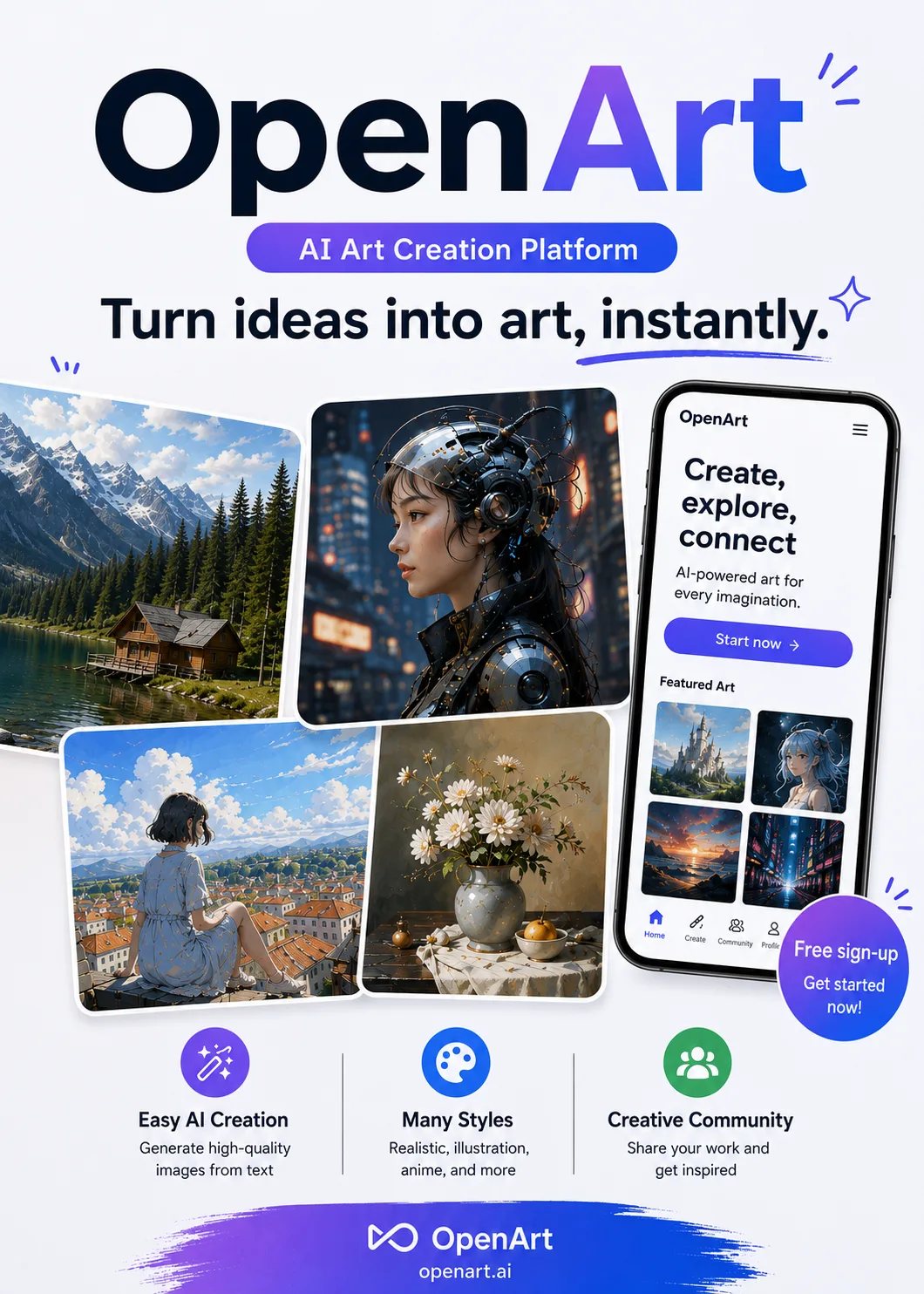
An AI creative studio that brings image generation, image editing, character design, and video creation into one platform. It can also generate longer videos through conversational instructions while maintaining consistent characters and visual styles.
Advertisement 728 × 90
CompanyOpenArt
Released2022
Updated2026-08-21

OpenArt One picture says it all.

OpenArt

OpenArt Overview

OpenArt no longer feels like a simple AI image-generation website.

It brings more than 100 models—including FLUX, Stable Diffusion, and GPT Image—into a single browser interface, alongside tools for image generation, editing, character consistency, storyboarding, and video production. For anyone who does not want to keep switching between platforms, that integration is highly convenient.

What makes OpenArt particularly distinctive is its continuing focus on sequential content.

Beyond generating individual images, it can create story scenes, vlogs, and music videos built around the same character.

Director, launched in July 2026, took this approach a step further. You can describe the characters, scenes, and plot through conversation, then generate a continuous video of up to approximately five minutes while maintaining character and visual-style consistency as much as possible.

Rather than simply trying to generate one attractive shot, OpenArt is attempting to solve the harder problem of connecting multiple shots into a coherent story.


OpenArt Pricing

PlanPriceDescription
Free $0 Includes a one-time allocation of 40 credits valid for seven days, with access to basic models, a maximum resolution of 512px, and publicly visible creations.
Essential $14/month ($7/month billed annually) Includes 4,000 credits per month, access to over 100 advanced models, private generations, and up to eight concurrent tasks.
Advanced $29/month ($14.50/month billed annually) Includes 12,000 credits per month, up to 16 concurrent tasks, and access to video generation and character-consistency features.
Infinite $56/month ($28/month billed annually) Includes 24,000 credits per month, up to 32 concurrent tasks, priority generation, and the option to purchase additional credits.
Wonder $240/month ($120/month billed annually) Includes 106,000 credits per month, access to Director, unlimited use of select models, and MCP integration.

The free plan is mainly intended for trying the platform.

If you only create images, Essential is generally sufficient. Once you start generating videos or recurring character-based content frequently, Advanced becomes the better fit.

Infinite is designed for high-volume creators, while Wonder is positioned more clearly toward professional video production.

Credits included with a subscription reset each month, while separately purchased credits can roll over for future use.

OpenArt Key Features

  1. Multi-model image generation
    Integrates more than 100 models, including FLUX, Stable Diffusion, and GPT Image. You can switch between them based on the desired style or task without deploying anything yourself.
  2. Image editing
    Supports inpainting, outpainting, background removal, and upscaling. Generated images can be edited further without leaving the platform.
  3. Character and story workflows
    Create relatively consistent characters, then use storyboards to produce sequential scenes, vlogs, or serialized content. This helps reduce frequent changes in a character’s face across different shots.
  4. AI video and music-video generation
    Supports image-to-video generation. You can also upload music and have the system create music-video visuals that change with the song’s rhythm and progression.
  5. Director
    Describe the plot, characters, scenes, and atmosphere conversationally to generate a continuous video of up to approximately five minutes. It aims to preserve character and visual-style consistency while also supporting voiceovers and sound effects.

OpenArt Editorial Review

There is very little difficulty in getting started. Once you register, you can begin creating almost immediately.

I first tried one of OpenArt’s more representative features: character vlogs. I uploaded an original image of an “ancient-style Usagi” character and asked it to generate a video of the character walking through a small town in China’s Jiangnan region.

A few minutes later, I received a video around 60 seconds long. The shot order, character movement, and environmental lighting generally matched the description.

More importantly, the character’s face did not keep changing across different scenes. For AI video, that kind of consistency can matter more than whether each individual shot looks beautiful.

The music-video feature was less reliable.

I uploaded the introduction to Luò Yè Guī Gēn. The scene changes followed the rhythm reasonably well, but the character’s lip movements clearly did not match the lyrics, and the character’s appearance also drifted somewhat.

You can see the direction the feature is heading, but it is still some distance from producing a finished music video that can be used as-is.

Overall, OpenArt does stand out in sequential visuals and character consistency. Detailed control, however, remains a weakness.

Faces, lip-syncing, and complex movements still exhibit the typical problems associated with AI-generated video.

Another clear takeaway was that video generation consumes credits very quickly.

With images, you can comfortably test several versions. Once video production enters a cycle of regenerating clips, revising shots, and adjusting characters, credits disappear much faster.

Pros

  • A fairly complete creative workflow. Image generation, editing, characters, stories, and video can all be handled on one platform.
  • Good character consistency. It is more convenient than a basic image generator for serialized images, vlogs, and continuous stories.
  • Director is distinctive. Its approach to longer videos and conversational direction helps separate it from conventional AI video generators.
  • A wide selection of models. You can try many leading generative models without deploying them yourself.

Cons

  • Video details are not yet fully reliable. Lip-syncing, complex motion, and character details can still produce errors.
  • Credits are consumed quickly. Video experimentation costs noticeably more than image generation, and subscription credits reset each month.
  • The interface contains many features. If you only generate an occasional image, the platform may feel heavier than necessary.
  • Fine-grained control remains limited. It is better suited to rapid generation and iteration than replacing manual work in professional video or design software.

Best for / Not ideal for

Best for:

  • Content creators and video creators. Suitable for serialized shorts, character vlogs, and story-driven content.
  • Product designers and advertising professionals. Useful for quickly creating concept art, storyboards, and video proposals.
  • AI creation enthusiasts. Lets you try different models on one platform and develop images into videos.
  • Musicians and independent bands. Offers a low-cost way to experiment with conceptual music videos and visual drafts.

Not ideal for:

  • People who only need quick image generation. OpenArt’s extensive story and video features may feel unnecessary.
  • People who need precise control over every detail. AI randomness remains noticeable and cannot replace professional post-production.
  • People with very strict budget limits. Video generation often requires repeated experimentation, making credit consumption difficult to estimate accurately in advance.

Summary

OpenArt’s direction is already clear: it does not want to stop at helping you generate a single image. It aims to connect characters, visuals, and shots into a complete story.

That is also the clearest difference between OpenArt and a typical AI image-generation platform.

Character-consistency tools, story workflows, and Director all make continuous content creation easier. However, video detail and cost remain practical limitations, especially when it comes to lip-syncing, complex motion, and the credits consumed through extensive trial and error.

If you need a complete workflow that takes you from concept art to a finished short film, OpenArt is highly appealing. If you want maximum control over one specific stage, a specialized image or video tool may be a better choice.

Comments (0)

Leave a comment

Advertisement 728 × 90

Similar Tools




