Recently, I’ve been using Codex on a few real work tasks — not just for writing code, but also for handling documents and organizing assets.
It’s not hard to get started, but you do need to change the way you assign work.
The real learning curve isn’t technical. It’s how you frame the task.
If you ask:
“How should I organize these files?”
Codex may simply give you a method.
But if you say:
“Read everything in this folder, group the files by topic, remove duplicates, and generate a Markdown index at the end,”
it actually starts doing the work.
Over time, I found myself structuring requests around three things: the goal, the constraints, and the acceptance criteria.
You don’t need to define every step in advance, but you should make it clear what “done” looks like.
It’s especially good at working with half-finished material.
In one case, I gave it a batch of text copied directly from web pages. The files included menus, ads, related links, and the actual article content all mixed together.
Codex read the files, figured out what counted as the main content, removed the noise, reorganized the structure, and saved the cleaned result.
That kind of task feels more useful in real work than asking AI to write an article from scratch.
A lot of actual work isn’t about creating something from zero. It’s about cleaning up, editing, organizing, and finishing what already exists.
Another useful part is that you can correct it mid-task.
If the result is off, you can simply say:
“Don’t change this section.”
“The spacing is too large.”
“Keep the original structure.”
and it can adjust from the current state instead of starting over.
Problems I ran into
The first is permission prompts.
When Codex needs to install dependencies, run commands, or modify files, it may ask for confirmation.
That improves safety, but during continuous work it can interrupt the flow.
Reducing confirmations makes things faster, but it also increases the risk of unintended changes.
The second is task drift.
Codex is capable, but that doesn’t mean it always interprets the task correctly.
The longer and more ambiguous the job is, the easier it is for Codex to spend a lot of effort moving in a direction that isn’t actually what you wanted.
For complex tasks, clear acceptance criteria help a lot. For example:
- all tests must pass
- do not modify a specific directory
- save the final files to a specified location
- keep the existing API unchanged
Those constraints are often more useful than a long paragraph of background context.
What works well
- It can actually deliver the result. It doesn’t just explain what to do; it leaves behind files, code, and finished outputs.
- It’s especially useful for half-finished work. Existing projects, messy assets, and old code can all be pushed forward.
- Strong at continuous execution. It can keep calling tools, checking results, and making changes around one goal.
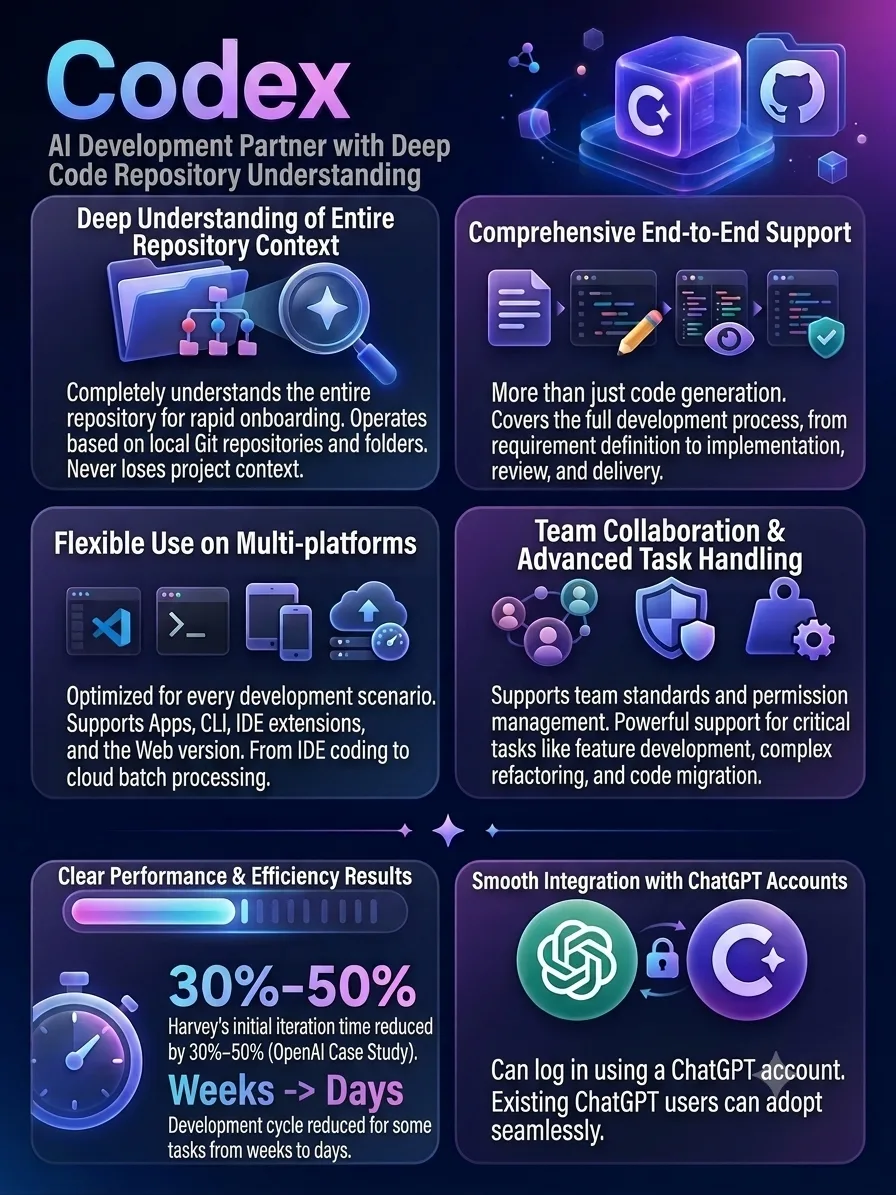
- Tightly integrated with the ChatGPT ecosystem. If you already use ChatGPT, the learning curve is relatively low.
What doesn’t work as well
- Usage limits matter for heavy workloads. Long tasks and multiple projects running in parallel can hit limits quickly.
- More permissions mean more risk. If you let it run commands and modify files, version control and backups become important.
- Vague goals can cause drift. Codex has strong execution ability, but it won’t automatically define the right objective for you.
- Complex tasks can be compute-heavy. In API workflows, token costs can become significant.
Best for
Developers
Useful if you want AI to actually read code, edit it, test it, and refactor it instead of only generating snippets.
Content and operations teams
Good for organizing large amounts of material, bulk editing, file processing, and generating related outputs.
People who handle repetitive computer tasks
File organization, format conversion, data cleanup, and report generation are all strong use cases.
People with an already defined workflow
The clearer you are about the final outcome, the more useful Codex becomes.
Not ideal for
People who just want to chat
If your main need is Q&A or conversation, regular ChatGPT is already enough.
People who don’t want to define the goal
Codex can execute, but it can’t read your mind.
People who can’t tolerate any risk from automated actions
Once you allow file modification and command execution, permissions and version control become part of the workflow.
Organizations with extremely strict requirements around internal data and execution
Before adopting it, those teams need to confirm that the available enterprise deployment, permission, and data-governance controls meet their requirements.















Comments (0)