What I Like About It
Cross-file edits save a lot of time.
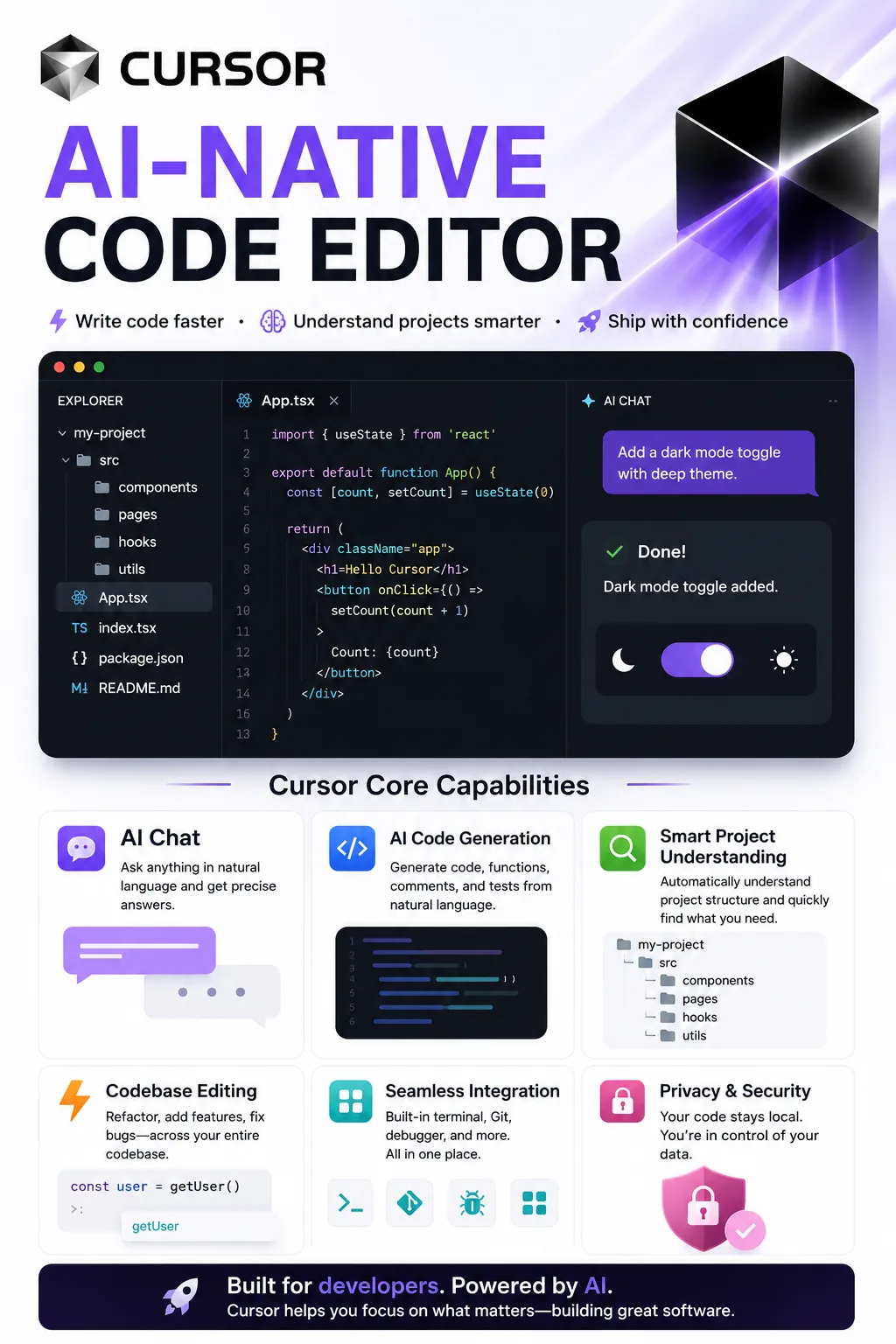
If one change touches several files, Cursor can usually track those places down without you jumping around the project yourself.
It’s great for unfamiliar codebases.
You can ask about the project structure or how different parts connect, which is often much faster than tracing everything manually from the entry point.
It cuts down on repetitive work.
Writing tests, updating APIs, or applying the same refactor across a codebase are all good jobs to hand off to AI first.
VS Code users will feel at home.
You don’t have to learn a completely different editor just to get the AI features.
The Agent workflow feels fairly complete now.
Local editing, cloud tasks, the terminal, and browser tools are starting to work together as one workflow instead of feeling like separate add-ons.
What I Don’t Like
The biggest issue is still simple: it gets things wrong.
And the more complicated the task, the less you should trust “done” to actually mean done.
Cost is another thing to keep an eye on if you use Cursor heavily. Agents can read a lot of context and make multiple model calls, so occasional use and all-day use are very different in terms of consumption.
There’s also more going on in the product now, which can be a little overwhelming at first.
A while ago, you mostly needed to know Tab completion and chat. Now there’s Agent, Plan, Cloud, model selection, Rules, Skills, and more.
None of it is especially hard to learn, but Cursor definitely isn’t just “autocomplete with AI” anymore.
Experienced developers
This is probably who Cursor works best for.
If you already have a good sense of how the code should be written, you’re also much more likely to notice when the AI goes off track. In that case, Cursor can save you a lot of time on searching, editing, and repetitive work.
Small teams and startups
When you have a small team and too much to do, Cursor is useful for the kind of work that still needs to get done but isn’t worth spending hours on manually.
It’s especially handy for MVPs, demos, and internal tools, where getting something working quickly often matters more than polishing every detail from day one.
People who often inherit old codebases
This is actually one of the use cases I’d recommend most.
A lot of the time, the hardest part isn’t writing new code. It’s figuring out:
“How does this thing even work?”
Cursor is good at explaining project structure and tracing how different pieces connect, which can save you from opening file after file just to follow one call chain.
Developers whose English isn’t great, but who know how to code
Cursor can help here too.
You can ask it to explain English documentation, error messages, or third-party library docs right inside the editor, instead of constantly jumping back and forth between the browser and your code.
When You Shouldn’t Rely on It Too Much
Complete beginners
That doesn’t mean beginners shouldn’t use Cursor.
The problem is that if you don’t yet understand why the code is written a certain way, it’s easy to keep hitting Accept until the program works without really learning what happened.
Even worse, when the AI gets something wrong, you may not notice.
For beginners, Cursor is better as an assistant than as something that does the whole job for you.
Projects where reliability really matters
AI tools can still be useful in finance, healthcare, infrastructure, and other high-stakes systems.
But testing, code review, security checks, and the usual engineering safeguards still matter just as much.
Cursor can speed things up. It doesn’t mean AI-generated code gets to skip the normal software engineering process.
Final Thoughts
I wouldn’t describe Cursor as “software that writes code for programmers.”
It’s closer to a tool that takes some of the work you would normally do yourself and lets AI take the first pass.
Sometimes it gets it right in one go. Sometimes it gets you 70 or 80 percent of the way there. And sometimes it confidently makes the wrong change.
As long as you can judge the result yourself, though, it can save a lot of time.
For an experienced developer, the real value of Cursor isn’t that you never have to code again. It’s that a lot of the small, repetitive work no longer has to start from scratch every time.
As for SpaceX, the more accurate wording right now is that a deal has been signed and the acquisition is expected to close later, rather than saying Cursor is already a wholly owned SpaceX subsidiary.











Comments (0)