I mainly tested two scenarios: web app generation and a simple Android prototype.
It’s very easy to get started. The harder part is explaining what you actually want.
If you’re just testing models, AI Studio has almost no learning curve.
Once you start using Build to create an app, though, the key isn’t really the code. It’s how clearly you describe the requirements.
If you simply say:
“Build a budgeting app.”
it can generate something, but the result will usually be fairly basic.
If you go further and explain the page structure, core features, how the data should be displayed, and where key controls should go, the quality improves noticeably.
It feels a bit like working with a very fast developer.
You don’t need to tell it how to write every line of code, but you do need to be clear about what you’re actually trying to build.
Web prototypes can be surprisingly complete.
I tested it by asking for:
“A web page that explains how a lunar eclipse works with a 3D animation.”
It generated an interactive page directly, and the basic logic and visuals actually worked.
Previously, that kind of task would usually mean setting up a project, finding a graphics library, writing the interactions, and then slowly tuning everything.
Now the first version can appear very quickly.
That’s where AI Studio saves the most time:
get something running first, then decide whether it’s worth building further.
Android prototypes can also be generated directly.
I also tried a simple budgeting tool.
After describing the functionality, the system generated the relevant code and let me inspect the result in a simulated environment.
It’s obviously still far from a finished commercial product, but it’s already enough to validate the page structure and basic logic.
A prototype like this used to require setting up a project first. Now you can turn the idea into something you can click through before committing much time.
Problems I ran into
First, complex tasks can push the model toward shortcuts.
As the task gets more complicated, the model sometimes chooses the fastest solution that works rather than the best solution.
For example, when building a data dashboard, it may drop in an existing chart library and call it done.
The functionality is there, but the visual quality and details may be underwhelming.
So “it generated successfully” doesn’t mean “the quality is good enough.”
Second, you still need to debug.
Simple prototypes often work on the first attempt.
But once more functionality is added, problems can show up around state management, dependencies, or data handling.
At that point, you either keep asking the model to fix things or inspect the code yourself.
Third, prompting still matters.
AI Studio can understand fairly natural requirements, but phrasing still affects the outcome.
For more technical tasks, using precise terminology — and sometimes switching to English — can produce more stable results.
Fourth, the free tier shouldn’t be treated as a fixed resource.
Limits can change depending on the model, account, and time period.
That’s fine for testing, but if you’re planning to run a production service long term, you shouldn’t design around the assumption that the free tier will always stay the same.
What works well
- Very fast from idea to prototype. You can see a working version without setting up a project first.
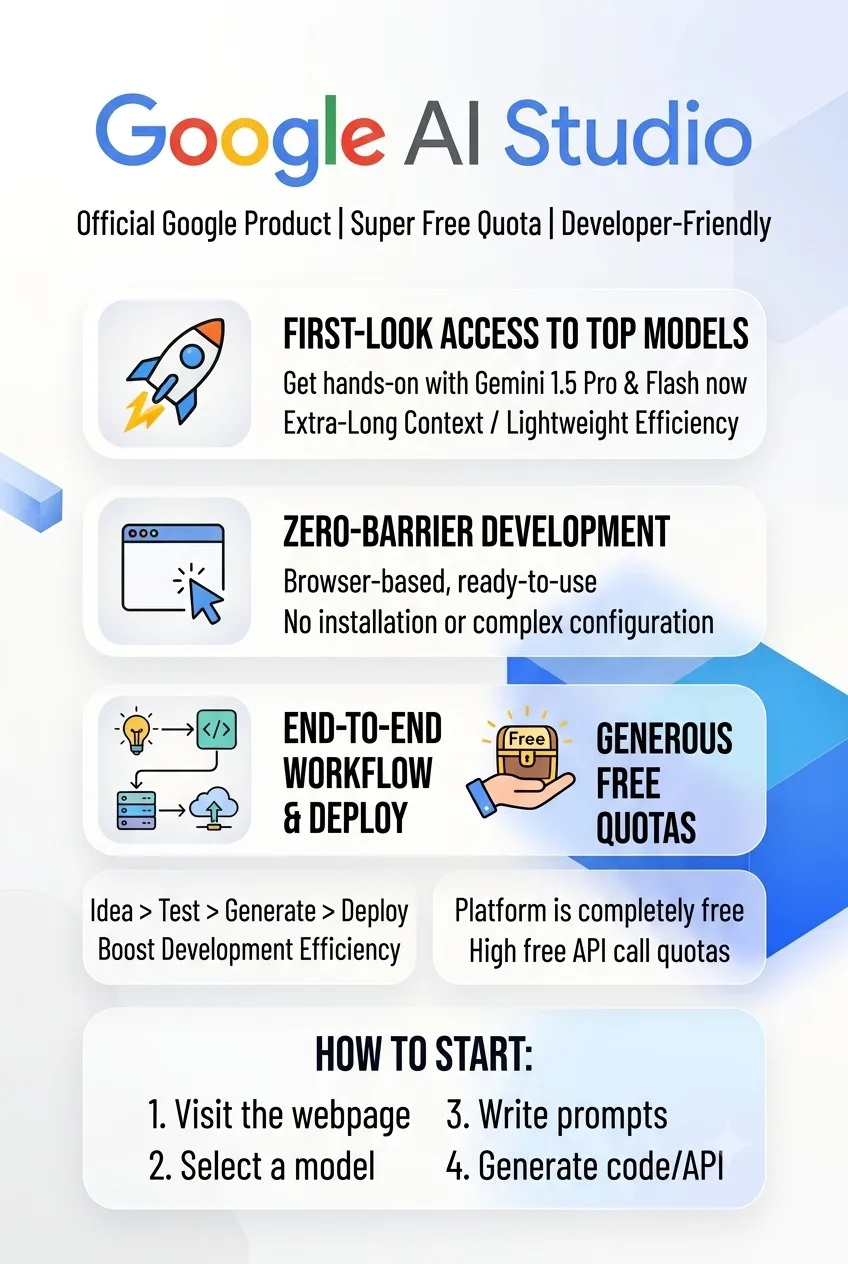
- The free tier is good for experimentation. Learning and early validation are relatively low-cost.
- Google models are centralized. Text, image, video, and other capabilities can be tested in one place.
- The development loop is short. Prompts, code, preview, and API access are all close together.
- Great for product validation. If you’re not sure whether an idea is worth pursuing, build it first and find out.
What doesn’t work as well
- Complex apps are less stable. More features usually mean more bugs or simplified implementations.
- Generated results aren’t always polished. The UI and engineering structure can sometimes be merely “good enough to run.”
- Build is still better for prototypes. It’s not yet something I’d rely on to ship a commercial app without manual changes.
- Usage limits can change. The free tier isn’t something you can confidently plan around as a fixed long-term quota.
Best for
Independent developers and founders
Useful if you want to validate a product idea quickly without spending days setting up the environment first.
AI application developers
A good place to test different Gemini models and prompt combinations.
People learning to code
You can inspect generated code while learning how projects are structured.
Product managers and designers
If you have an idea but don’t want to write a full application first, you can create an interactive prototype quickly.
Content creators
Useful if you want to combine text, image, video, and other generative capabilities in one place.
Not ideal for
People who just want to chat
Using the Gemini app directly is simpler.
People expecting one prompt to deliver a commercial app
You still need human testing and refinement.
Large enterprise production environments
For projects with strict requirements around SLA, permissions, security, and reliability, more formal enterprise services such as Vertex AI are a better fit.













Comments (0)